Studio Josie One Year Anniversary!

Oh my gosh! I logged into my WordPress account and I had a notification that TODAY is the one year anniversary for Studio Josie! I knew it was sometime in May, but I was shocked!

I cannot believe I have been writing on here for a whole year. It has been a super fun experience and I hope to do it for a while. I hope you are all enjoying my posts! If you have any suggestions  on how to make it better, PLEASE tell me! I would love to hear your input. I really wanna improve my content, and blog in general!

Thanks to everyone who has been reading, sharing, and interacting through this fun space of mine on here!

Have a terrific weekend and HAPPY MOTHER’S DAY if I don’t post anything before tomorrow!


April 2016 Playlist!

Hey, everyone! Can you believe tomorrow is MAY?!?! I can’t. That means I basically have a month and a half left of being an 8th grader! Crazy. At the end of May my grade takes a four day trip to Washington D.C. I’m really excited and I can’t wait to share photos with you all!

Anyways, today I am going to share my current faves of April. The playlist on Spotify is…

HERE! 

I’ve been listening to Florence + The Machine for a while but these songs just stuck out at me in April:

1. Delilah by Florence + The Machine
2. Queen of Peace by Florence + The Machine
3. Caught by Florence + The Machine
5. Mother by Florence + The Machine

I have also been loving the album Beauty and The Beat from The Go-Go’s. These were my faves of this month:

6. Our Lips Are Sealed by The Go-Go’s
7. Lust To Love by The Go-Go’s
8. You Can’t Walk In Your Sleep (If You Can’t Sleep) by The Go-Go’s

I re-discovered Regina Spektor who I absolutely LOVE! Her songs are so fun and catchy.

9. The Call by Regina Spektor
10. Eet by Regina Spektor
11. Two Birds by Regina Spektor

These are all of the top hits I’ve been loving: (Oh, the Misterwives song I included is one of my faves. They’re kind of like an Indie-Pop band that I’ve loved for almost a year now! I LOVE their songs. You should really give them a listen because they’re super underrated.)

12. No Need For Dreaming by Misterwives
13. Cheap Thrills by Sia
14. 7 Years by Lukas Graham
15. I Took A Pill In Ibiza by Mike Posner
16. Roses by The Chainsmokers
17. Work by Rihanna
18. The Judge by Twenty-One Pilots
19. NO by Meghan Trainor

That’s all for today – have a happy Saturday!
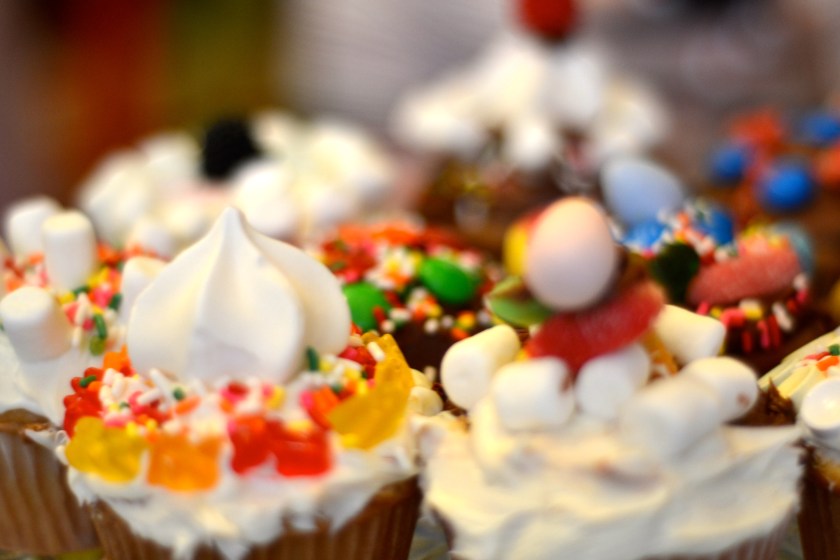
 

Happy Cupcakes & Flower Blossoms

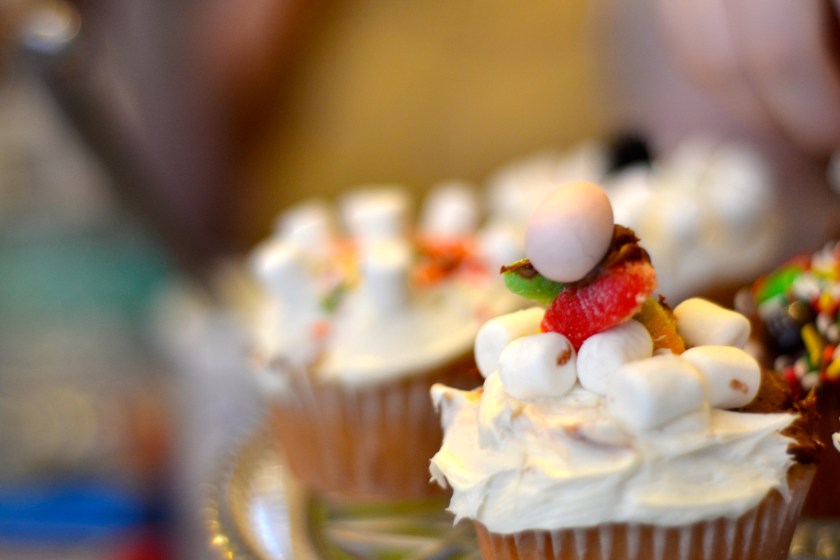
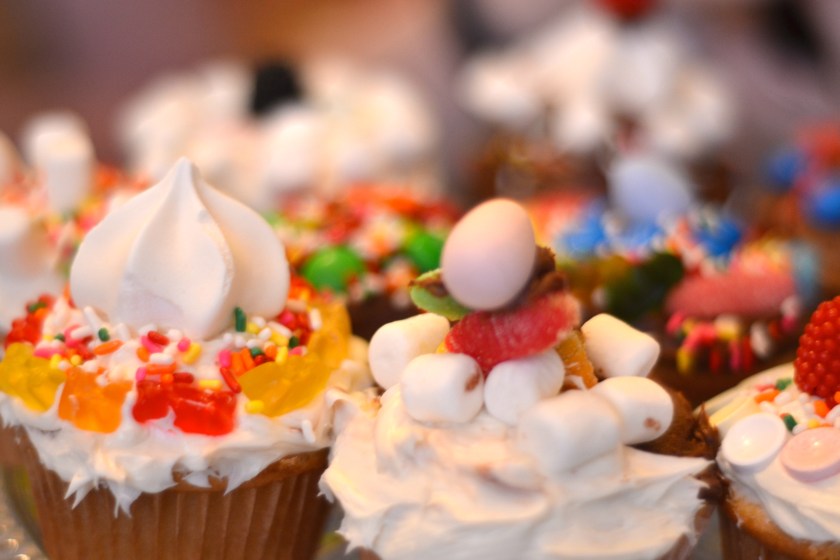
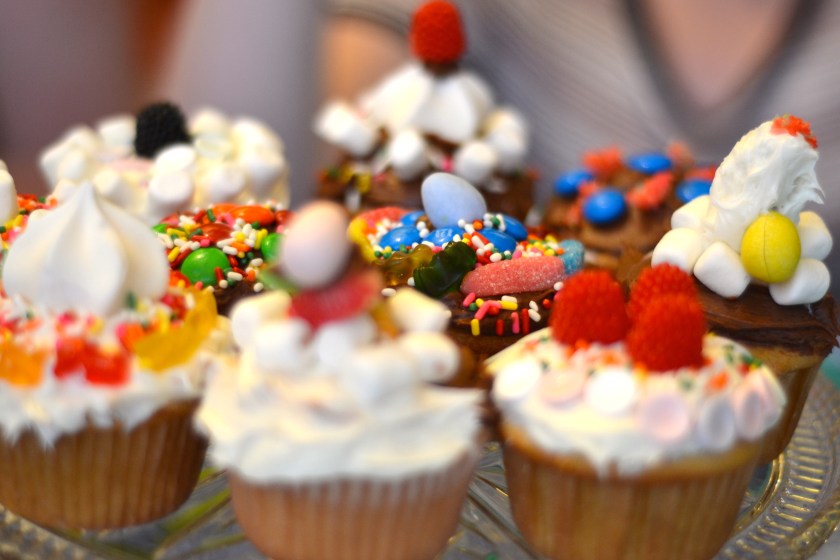
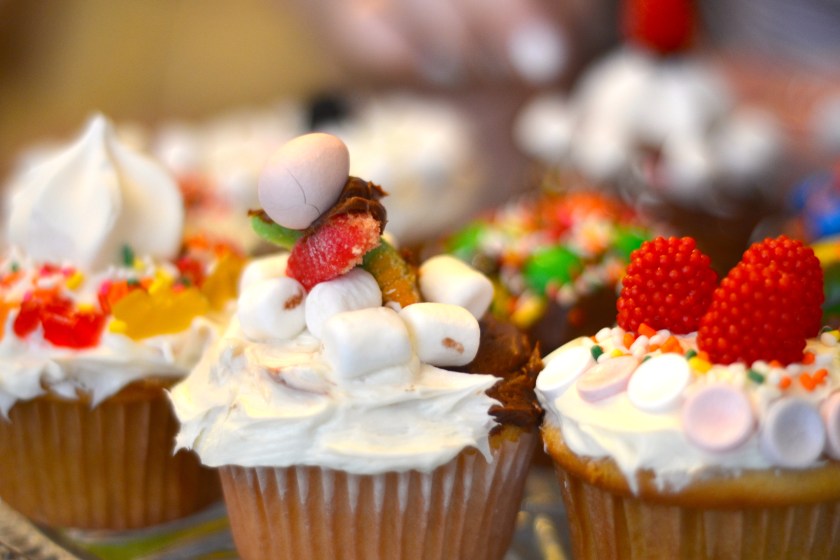
Hello! Today I decided to share some photographs with you. Last week, my friends and decorated some cupcakes. I pulled my camera out and got a couple shots I thought you may enjoy.

DSC_0026DSC_0024

DSC_0026DSC_0022DSC_0020DSC_0030DSC_0027DSC_0028DSC_0023

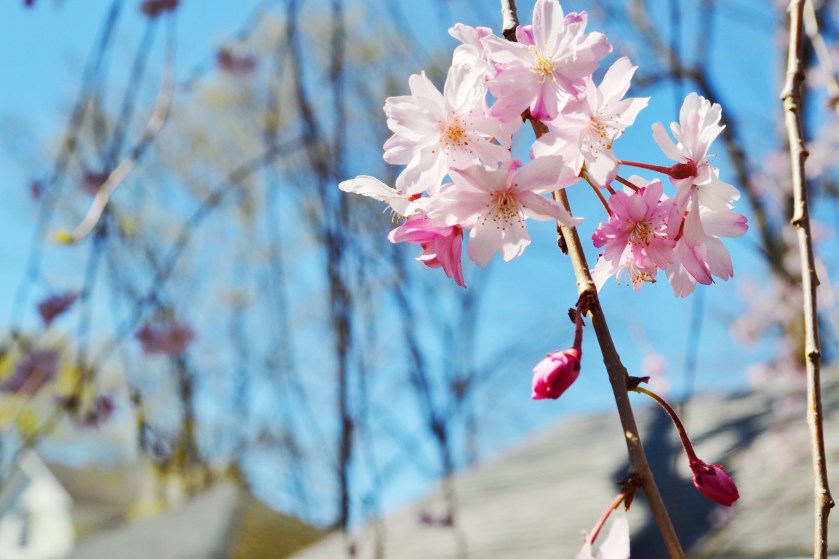
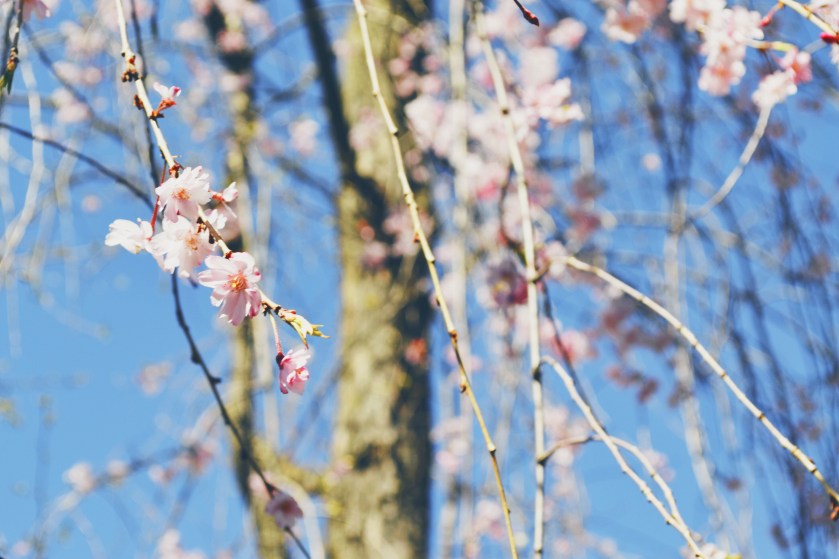
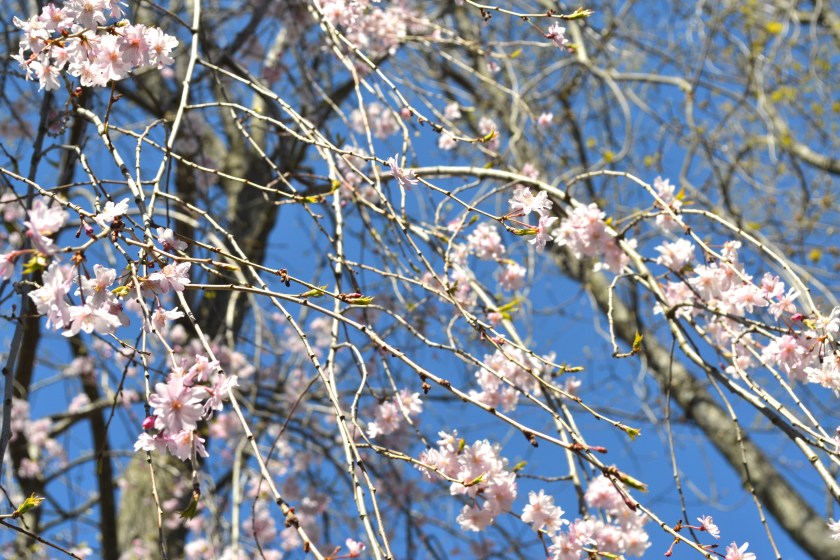
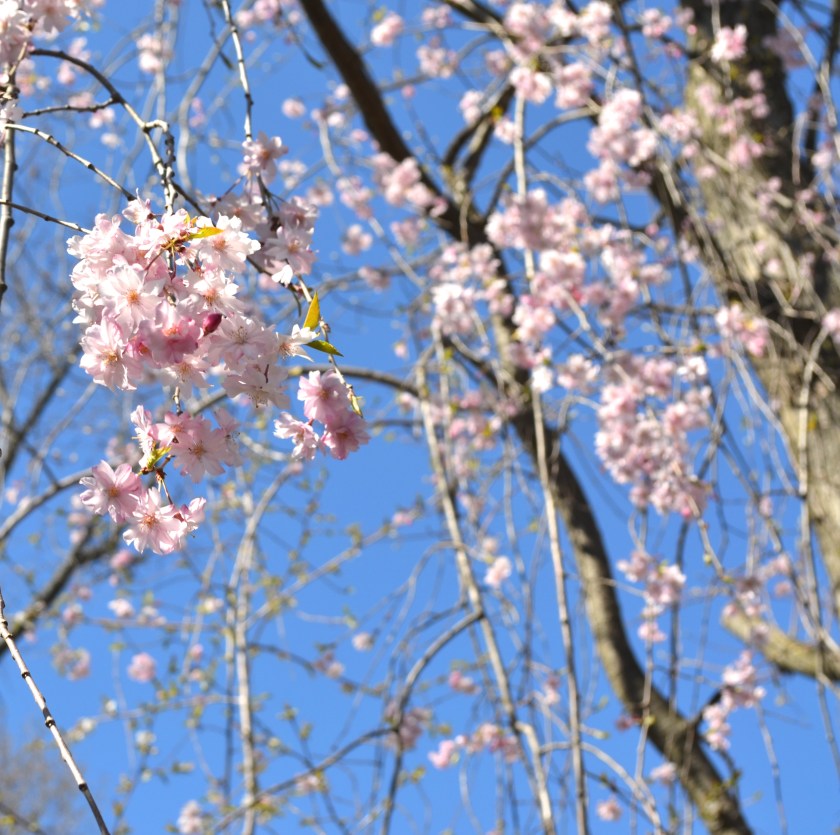
Last Wednesday, my mom and I went to her friend Annika’s house. She’s a photographer and we had a delicious lunch and then took a couple photos afterwards. You should check out her website!

IMG_3460IMG_3428.JPGDSC_0015.JPGDSC_0019.JPGDSC_0026.JPG

All were taken on my Nikon D3100. The cupcakes were with a 5omm lens and the flowers were with the default lens. They were both edited with A Color Story/iPhoto. Hope you enjoyed them!

March Recap: Books I Read

Hello, everyone! Happy Sunday. Today I decided to share with you all the books I read in March. Some of you may be friends with me on Goodreads. If you do, you can see the books I’m currently reading, books I want to read, ETC. It is an awesome website!

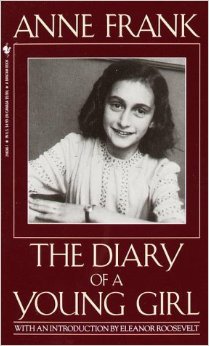
The first book I read (well, finished. It was for school so I went through it slower.) was Anne Frank: The Diary of a Young Girl by Anne Frank

519HKX9M69L._SY344_BO1,204,203,200_.jpg

I had been wanting to read this FOREVER, but I knew we were going to read it for school so I waited. If you’ve read it, you’ll know it was and amazing. I thought it was so interesting. Anne was, and still is, such an inspiration and I believe we all can relate to her in one way or another.

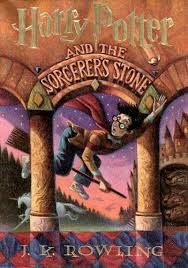
The second book I read was Harry Potter and the Sorcerer’s Stone by J.K. Rowling.

Unknown.jpeg
This past month I decided to reread the Harry Potter series, as I was a lot younger when I did read them! Of course, it was awesome. This is probably one of my favorites out of them all.

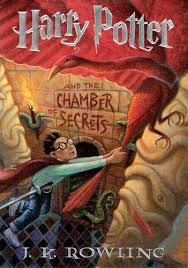
The third book I read was Harry Potter and the Chamber of Secrets by J.K. Rowling.
Unknown-1.jpeg

I think that the second book is really underrated. It’s SO GOOD! I totally forgot what happened so the whole time I was like, “OMG.”

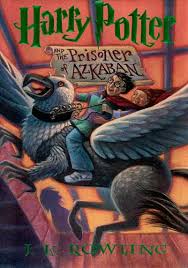
The fourth book I read was Harry Potter and the Prisoner of Azkaban by J.K. Rowling.

Unknown-2.jpeg

Now this one is my ABSOLUTE favorite HP Book! The story is just phenomenal. Oh, and did I mention I love Sirius Black? UGHHH!

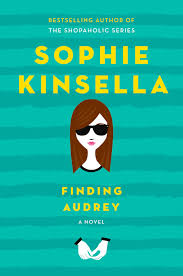
The fifth and final book I read this month was Finding Audrey by Sophie Kinsella. Unknown-3.jpeg
After I read it I actually did my book report for school on it. This book was adorable! It was also super relatable, funny, and touching. The characters were great, too. It was the first time I had read a book by Sophie Kinsella, and I was impressed!

I apologize for 3/5 of them be Harry Potter! :/ I’m currently reading the second one but it’s taking me a little time because it is SO BIG and a little intimidating! I may do this every month, it was fun! Have a great day!
iPhone Photography Tips

Happy Wednesday, everyone! A couple people have asked me how I take such sharp and bright photos on my phone, so today I decided to share my best tips with you! You can also find my favorite photo editing apps on this post I did a while ago. Enjoy!

TIP #1:  Use all the light you can get!
I am a sucker for natural light, so I cannot stress this enough. Most often, a photo that isn’t the most eye-catching is just in need of some light! Sure, there are apps you can use to brighten the photo, but they won’t be as helpful as getting some real light.

 IMG_3072
BEFORE with the curtain over the window and the light off. Dark and not very attractive.

IMG_3073
AFTER. Now that’s Insta-worthy! (With a few tweaks 🙂 )

TIP#2: Use the iPhone’s built-in features!
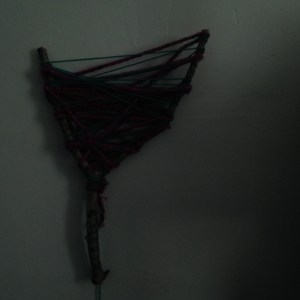
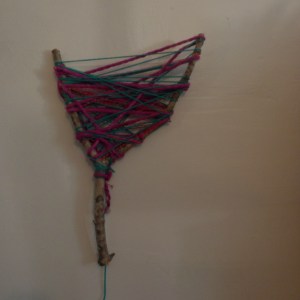
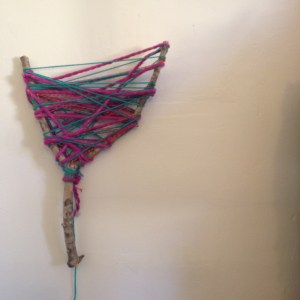
The iPhone has so many cool features you may not even know about, or do, and don’t know how to work them. I’m gonna show you! Let’s use this branch DIY (which I may do a tutorial on, even though it’s pretty self-explanatory.) as our example. Perhaps you don’t have any light or it’s dark out but you really want to post this photo. This ‘trick’ may help you there!

IMG_3084

OK, this is just a sad, sad picture. You can’t even tell what it is! Here’s how to fix it:
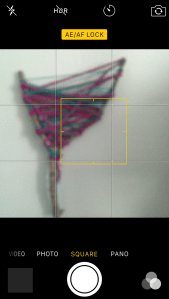
First, press down in the middle of the camera. It should say “AE/AF LOCK” on the top in yellow letters, and there should be a yellow square around where you pushed, like this:

IMG_3087

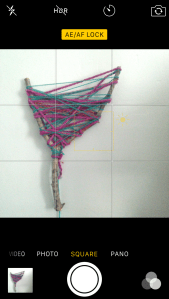
“What now?” You may ask. Well, that’s all up to you and the photo! If you’ve never used this feature before, you may want to play around with it for a little while. You can move the little yellow square anywhere on the photo, and it will adjust the brightness. You can make it brighter or darker, depending on your situation. There is also a little line that has a tiny sun on it. You can scroll up and down (up for brighter, down for darker). It looks a little something like this:

IMG_3090

IMG_3095

Now look at that! Hash brown no filter! (Haha, any Kimmy Schmidt fans out there?) Personally, I would edit this photo before I post it, but it’s up to you.

TIP #3: Get the right apps!
If I could have a whole iPhone full of just editing apps, I would. Seriously. I probably have about 4 now, but I used to have around 7. I know, scary. But then (everyone’s worst nightmare) I ran out of space on my phone. My #1 favorite editing app at the moment is A Color Story by the blog A Beautiful Mess, one of by faves! I did a review of it here.

But anyways, here’s how I edited it.

 IMG_3101

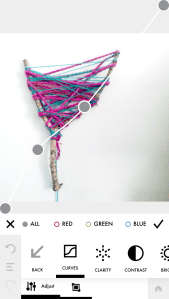
Here I am using the curves filter. At first, I was a little skeptical about it and wasn’t so sure how/when to use it, but they just came out with a video tutorial on it and it was so helpful. Now I use it in almost every photo of mine!

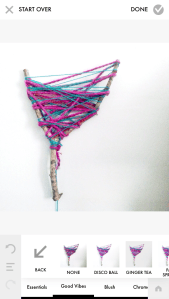
Now my favorite part… FILTERS! A Color Story has the best filters, in my opinion. They make colors pop and the whites super bright! I love it so much. I chose my current favorite filter, Pop Song, which is in the Good Vibes pack. That pack is free with the app, so if you don’t want to pay for others, at least you get this one and the Essentials! (I may or may not have bought them all. #NoShame)

IMG_3102IMG_3104

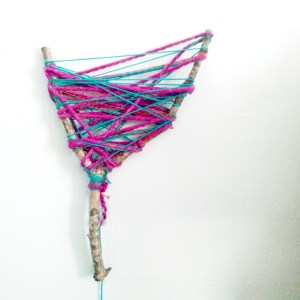
I didn’t use the full filter, but you can adjust them which is SUPER helpful. Look at the final product! We went from that ugly and dark photo to this colorful and bright one! :0 Crazy, huh? So this just proves that you can do anything when it comes to to iPhoneography. You don’t have to be a professional photographer, I certainly am not, and look at what I just did! You just need to find good resources and you’ll be Insta-famous in no time. 😉

IMG_3084 IMG_3105

TIP #4: DO NOT USE ZOOM! Unless you like getting an unfocused and blurry shots, do not use zoom! If you need to zoom into something, go closer, if possible, or CROP afterwards.

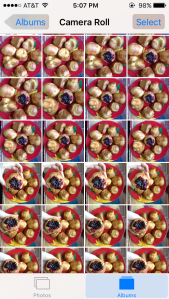
TIP #5: Have a positive attitude and do not give up. Photography is a tricky skill to master — especially if you’re just using an iPhone. Do you want to know how many photos I take to get the perfect shot? Here’s just a little hint:

IMG_2135

Yeah, I know. A LOT! Play around with different angles and try different props! But most of all…

HAVE FUN WITH IT!

Best of luck to you and your iPhoneography adventures!

Josie